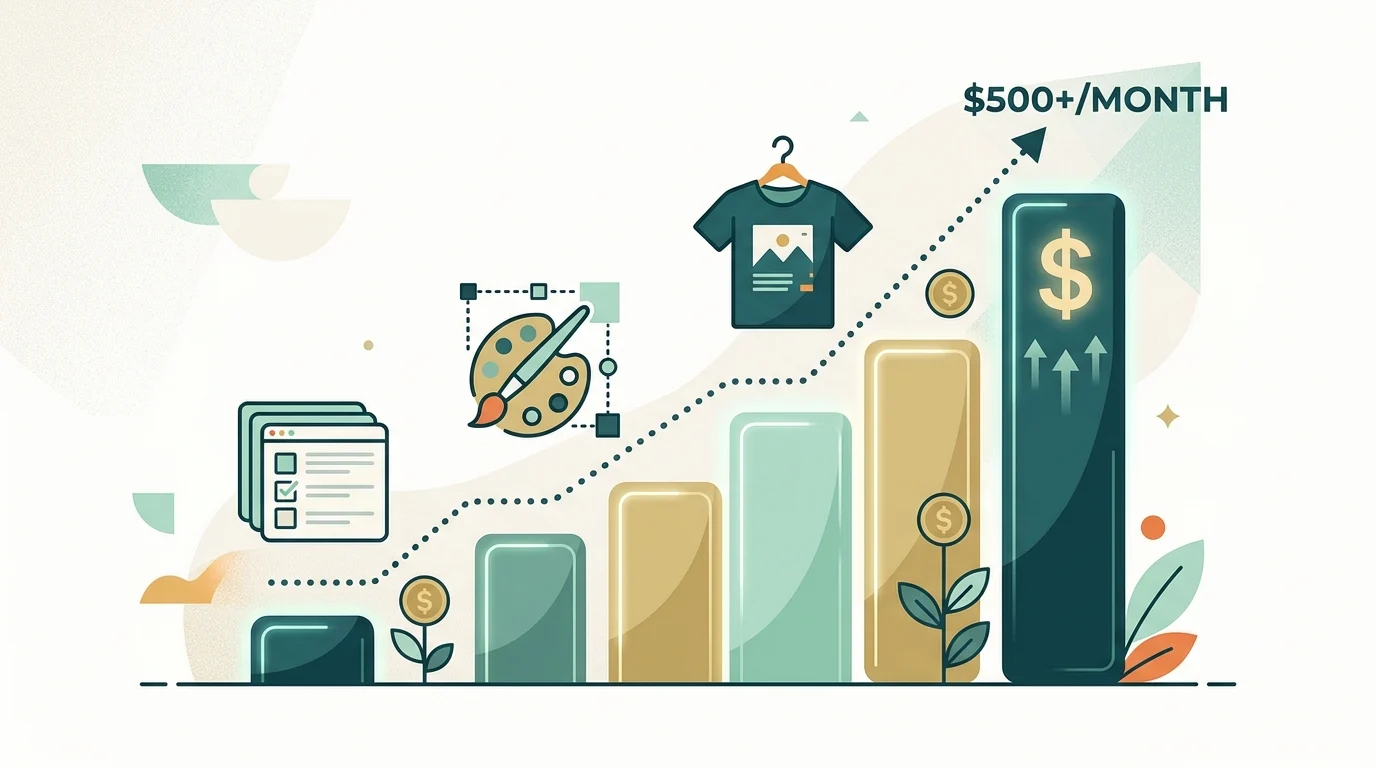

You don't need $1,000 in a brokerage account to start earning passive income. You need a free weekend.
That's it. That's the whole barrier most freshers think exists, but really doesn't.
Traditional passive income (like real estate, dividends, or index funds) demands upfront capital. You need money to make money. Digital assets flip that equation entirely. They ask for your time instead of your cash. If you're a student or a fresher, time is the one resource you actually have in surplus.
Your biggest leverage right now isn't capital. It's free time and digital literacy.
That's the core idea behind everything below. Build an asset once during a weekend you'd otherwise lose to scrolling social media. Then let it sit there and collect small, steady payments while you're sitting in class or working your first job.
One rule before we start: if it demands $1,000 upfront or promises $5,000 a week overnight, skip it. That isn't a solid passive income idea. That's a sales pitch.

What "Passive Income" Actually Means for a Fresher
So, how do you make passive income when you have no savings, no team, and zero business background? You start smaller than most online guides are willing to admit.
Realistic passive income streams for someone in your position aren't stocks or rental properties. They're digital products (like a template, a design, or a simple guide) that you build once and sell repeatedly without repeating the labor. That repeatability is the entire point. You aren't trading hours for money. You're trading a fixed batch of hours for an open-ended stream of small payments.
This is why digital products represent one of the most realistic passive income paths for beginners, unlike the "$10K a month passive income" screenshots flooding your social media feeds. Nobody hits those numbers in month one, and most people never hit them at all. What is genuinely achievable, and backed up by people who've actually done it, is making a few hundred dollars a month stacked across two or three small digital assets.
The Digital Asset Matrix: A Quick-Scan Overview
Here's a breakdown of the landscape before we dive into each idea. It's a quick way to compare low-investment side hustles at a glance.
| Asset Type | Upfront Time | Tools Needed | Monthly Yield Potential |
|---|---|---|---|
| Notion Systems | 3-5 Hours | Notion, Gumroad | $50 - $300 |
| Canva Digital Kits | 2-4 Hours | Canva, Etsy | $30 - $200 |
| Print-on-Demand Merch | 1-2 Hours | Redbubble, Printify | $20 - $150 |
| Resource Guides / Affiliates | 4-6 Hours | Substack / Medium, Amazon Associates | $50 - $400 |
Four distinct assets. Zero capital required. Different skill fits. Pick the option that matches what you already enjoy doing, rather than chasing the biggest number in the last column.
4 High-Leverage Digital Assets You Can Build This Weekend
In my experience, these are the most straightforward ways to make money online without needing an existing audience, a massive portfolio, or upfront cash. Each follow the same three-part structure: what you're building, how to build it for free, and how it keeps earning after you close your laptop.
1. Notion Systems
The Asset: A pre-built Notion template. Think of an exam and assignment tracker, a habit dashboard, or a personal budgeting sheet. It's usually something you've already built for yourself and never thought to sell.
How to Build It (Zero Cost): Notion's free tier gives you everything you need. Duplicate your own functional workspace, remove your personal data, add a clean cover page, and write a quick setup guide.
How It Runs on Autopilot: List your template on Gumroad. Gumroad handles checkout, delivers the Notion link immediately upon purchase, and processes payments automatically. You never have to manage a single transaction manually. This is what an automated online business looks like on a smaller scale: plain, functional, and quietly earning in the background.
Notion templates compound well over time. Once you have one product listed, creating a second or third takes far less effort because your storefront, cover designs, and template descriptions are already set up.
2. Canva Digital Kits
The Asset: Printable planner inserts, resume templates, Instagram highlight covers, or wedding invitation sets. Anything visual and reusable fits well here.
How to Build It (Zero Cost): Canva's free tier offers plenty of templates and elements to put together a high-quality kit. You don't have to design everything from scratch. You're simply customizing and remixing layouts, which makes this approachable even if graphic design isn't your primary skill.
How It Runs on Autopilot: Etsy is the ideal marketplace for these products. Buyers on Etsy are already looking for digital downloads, meaning you spend less time explaining your product and more time making sales. Once you list your product, Etsy's internal search handles a good portion of your marketing automatically.
This is a great option if you prefer work-from-home side hustles that focus on visuals over writing. It rewards good taste and consistency over technical expertise.
3. Print-on-Demand Merch
The Asset: T-shirt and sticker designs tailored to a specific subculture you understand well. Think inside jokes from your college department, niche memes, or slogans from your local workout group.
How to Build It (Zero Cost): Redbubble and Printify let you upload artwork and publish products without holding inventory. You don't need physical stock, upfront printing fees, or cash at risk if a design doesn't take off.
How It Runs on Autopilot: This is the most hands-off asset on the list. The platform prints the item, ships it to the customer, and handles support inquiries. Your only task is uploading new designs whenever you have free time. Out of all these ideas, this requires the least maintenance after launch, making it an easy entry point if you want to test beginner-friendly side hustles risk-free.
4. Resource Guides / Affiliates
The Asset: A practical, focused guide. Examples include "15 Tools I Used to Land My First Internship" or "A Fresher's Guide to Setting Up a Study Desk Under $100." Keep it useful, specific, and easy to search.
How to Build It (Zero Cost): Use Substack or Medium to publish your writing. Join Amazon Associates to weave affiliate links directly into your product recommendations.
How It Runs on Autopilot: Once your article is published and indexed by Google, organic search traffic drives readers to your post. You won't need to push constant promotion. If the guide solves a real problem, search engines will keep sending visitors your way.
This option has the highest growth ceiling if you're patient. A guide that ranks well on search engines can quietly become one of your most lucrative passive income streams simply because search traffic grows without extra daily labor. It does take longer to see results, so treat it as a long-term project rather than a quick win.
The "Zero-to-First-Dollar" Workflow
Most beginners don't fail because their idea was bad. They fail because they try to launch four projects at once and burn out within a week. Here is a simple framework to keep you focused.
- Pick ONE Asset. Don't attempt all four. Choose one that aligns with a skill you already use every day.
- Build the First Version in 48 Hours. Perfectionism will kill your momentum faster than competition will. A rough product launched today is better than a polished product sitting in your drafts three months from now.
- Set Up Automated Fulfillment. Connect platforms like Gumroad or Etsy so buyers receive their downloads automatically after making a purchase.
- Plant Distribution Seeds. Add the link to your social profiles, share it in relevant Reddit discussions, or drop it in student communities where your target audience hangs out.
Is this completely passive after step four? Yes, but only once the initial setup is done. The first 30 days require real, active effort. The automated, passive part comes after that initial foundation is built.
How to Price Your First Digital Product
Pricing trips up almost everyone starting out, so it's worth covering directly rather than glossing over it.
Undercharging is a much more common mistake than overcharging. A Notion template listed at $3 rarely sells significantly more units than one listed at $9. Buyers don't evaluate digital products on price the same way they compare physical goods. What actually drives sales is a clear cover image and a helpful product description, not just a lower price tag.
Here is a practical pricing benchmark that works across these categories:
- Notion templates: $5 to $15
- Canva kits: $4 to $12
- Print-on-demand items: Standard platform margin, usually yielding $3 to $8 profit per sale
- Guides: Free to read, monetized through affiliate links instead of paywalls
Start slightly higher than feels comfortable. It's much easier to run a promotion or discount later than it is to raise prices after you've already built momentum.
Common Pitfalls to Avoid
- Spending weeks on branding instead of launching. Customers don't buy your logo. They buy the solution your product offers.
- Attempting capital-intensive models too early. Avoid options like day trading or dropshipping with paid ad spend. These strategies require cash and experience that freshers typically don't have yet.
- Giving up before search engines index your work. Indexing usually takes 30 to 60 days. Quitting on day 20 means giving up right before your traffic starts to build.
- Neglecting your product description and cover image. These presentation elements often matter more than the product itself because they are what convince someone to click the buy button.
The gap between making nothing and earning $100 a month isn't raw talent. It's simply the willingness to launch an imperfect project and let it work.
That's the entire model in a single thought. Build your asset once, and let time do the rest of the work.
Which of these side hustles should I start with if I have never made a dollar online?
Pick the one that aligns with a tool you already use every single day. If you use Notion for school, make a template, and if you love making social media graphics, go with Canva. Do not try to launch all of them at once because you will end up burning out before you finish.
Is anyone actually going to buy a digital template from a student with no professional experience?
Absolutely, because online buyers do not care about your resume or your age. They only care about whether your digital product solves an immediate, practical problem for them. As long as your system works well and your listing description clearly explains how it helps them, they will happily pay for it.
How long does it realistically take to see my first sale after putting something online?
Give it at least thirty to sixty days of consistent presence. The first month requires real, active effort to plant your distribution links while search engines index your pages. Once that initial organic search momentum builds, the automated sales can start trickling in on autopilot.